About
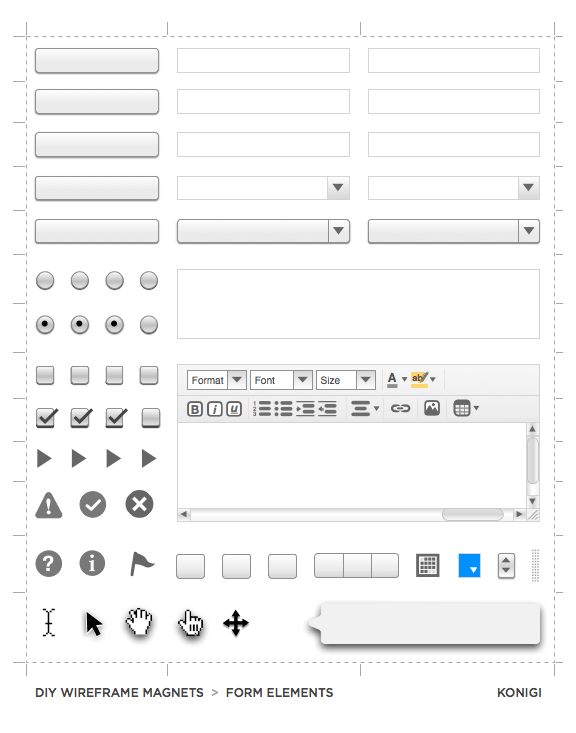
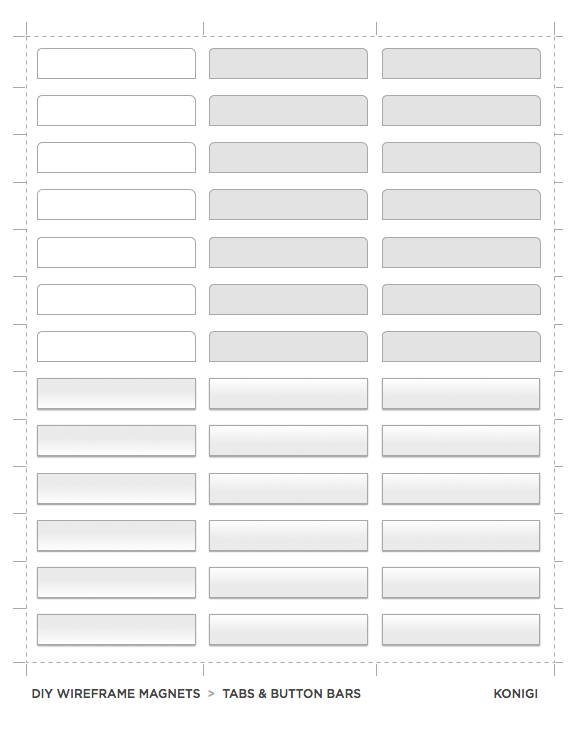
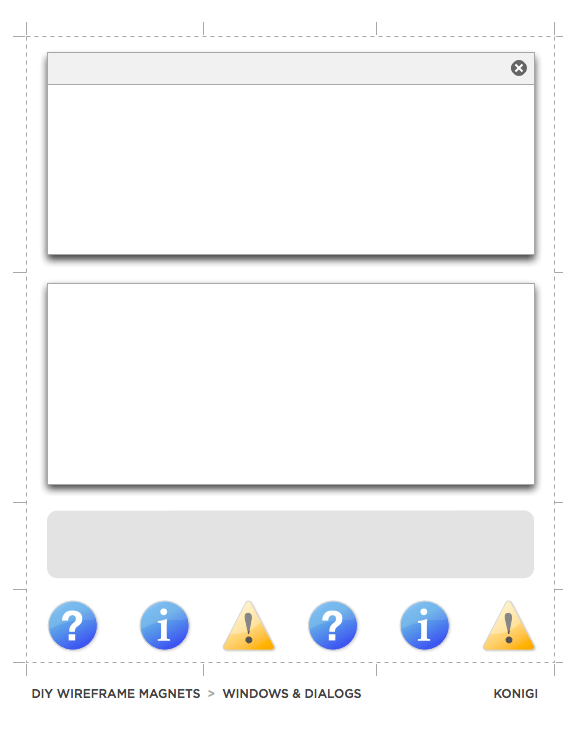
This DIY magnet template is based on the Konigi wireframe stencils and includes 3 sheets of elements that might be useful in whiteboard prototyping. Simply download and print the PDFs onto magnet sheets, optionally laminate them if you intend to use with dry-erase markers, and finally cut them out.
Printing
These sheets are made to print on magnetic sheets, and were designed and tested for use with Avery 3270 Printable Magnet Sheets for Inkjet Printers

Download
Download Version 1.0 (6/28/09)
This template is free to use, but may not be distributed without permission.
Frequently Asked Questions and Tips
Q: Can I write on these magnets?
A: Avery magnetic sheets for inkjet printers have a porous surface, so anything you write on them will be permanent. To make the magnetic sheets reusable, laminate them after printing, and then cut the pieces out. Be aware that if you laminate the sheets, you'll have to use a bit more force to cut through both the magnet and lamination. Be careful.
Q: It's hard to cut these out neatly. Any suggestions for cutting?
A: If you've laminated your sheets, you might try to create cut lines with a fine dry erase marker and ruler first. I also recommend using a ruler with a tacky back side (e.g. cork) when cutting with a rotary cutter or Xacto/craft knife. Another good cutting tool is a small rotary trimmer, like those sold by the Carl company. Be aware that if you laminate the sheets, you'll have to use a bit more force to cut through both the magnet and lamination, so be very careful.
Q: How well do the magnets work?
A: The magnet sheets are plenty strong enough to stick on metal surfaces. At home, I use them on IKEA's Bits Magnetic Boards rather than a whiteboard--they're white 58cm x 40cm metal bulletin boards that can be used with dry-erase markers. They seem to hold up fine.
Version Information
1.0 (6/28/09)
Initial Version. Includes sheets with: form elements, tabs and button bars, windows and dialogs.