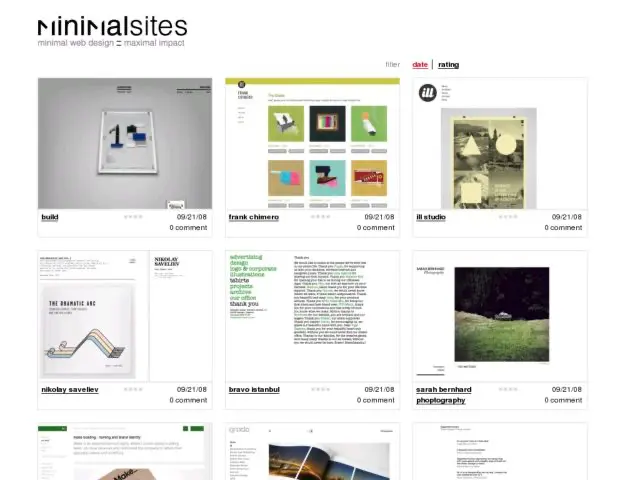
minimalsites
· Michael Angeles
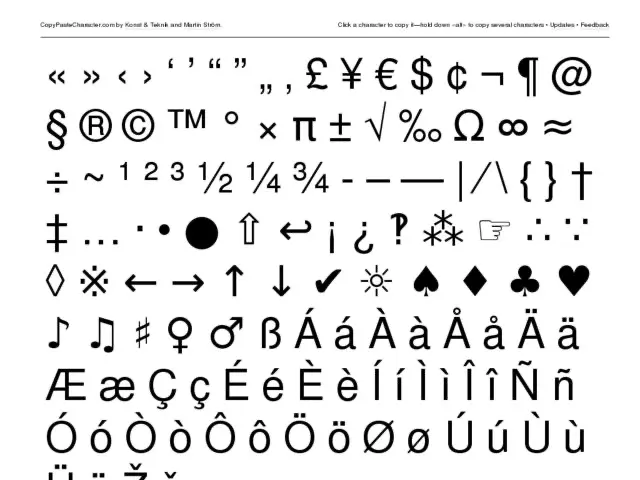
Click a character to copy it—hold down «alt» to copy several characters. Simple and brilliant.
Update: Martin updated the site to allow copying as text or HTML. Sweet.
I'm happy to announce that Konigi will soon be offering several products for creatives. I've posted some photos I took quickly of the first set below. Better photos will come when the shopping cart is set up.
The first round of gear will include wireframe and storyboard notepads. Each of these pads include 50 sheets at 8 1/2 x 11 inches on white 70# paper, glued on the left side. The ink is a non-photo blue (cyan) so that the grid lines and any sketch lines made in non-photo blue pencil can be knocked out when scanned and processed in graphics software.
Wireframe Notepads


Storyboard Notepads


Dot Grid on back of Wireframe and Storyboard Notepads

If you are interested in the details of the scanning process I use with graph paper like this, and are also interested in the issues related to knowledge management during the creative process, I recently posted a relevant response to someone question about this in the Information Architecture Institute members mailing list. Later in the week, I'll do a longer write up about this here on Konigi to talk about why I've been working with scanned sketches, and why I think there's a need for this paper. Stay tuned.

Leisa Reichelt starts up some participatory design by getting Drupal contributors to sketch suggestions for things they'd like to see change on Drupal.org.
http://www.disambiguity.com/drupalorg-come-wireframe-with-me/
CNet reports on Swype, a new keyboard technology for touch screens created by the inventory of the T9 keyboard technology for numeric keypads. Swype lets the user drag their finger across the screen, touching each of the letters in the words they want to enter, and predictive software selects the word they wanted. This could be a great tool to the improve the typing experience on the iPhone, which I find pretty awful compared to a hardware keyboard. Will also be very useful to the next wave of touch screen notebooks and ultra mobiles that we'll be seeing.
Ubiquity for Firefox from Aza Raskin on Vimeo.
I've been really impressed by Aza Raskin's Ubiquity add on for Firefox, which I've been playing with a lot lately. It completely makes up for the less than exciting experience I had with Enso, which never came close to a Quicksilver experience on Windows. Ubiquity is pretty much the Quicksilver experience brought to your web browser. A smart tool that is summoned by a keyboard shortcut, and provides shortcuts to frequently used tools, and contextually relevant paths to using selected content in the page. Raskin talks more about the app on his site.
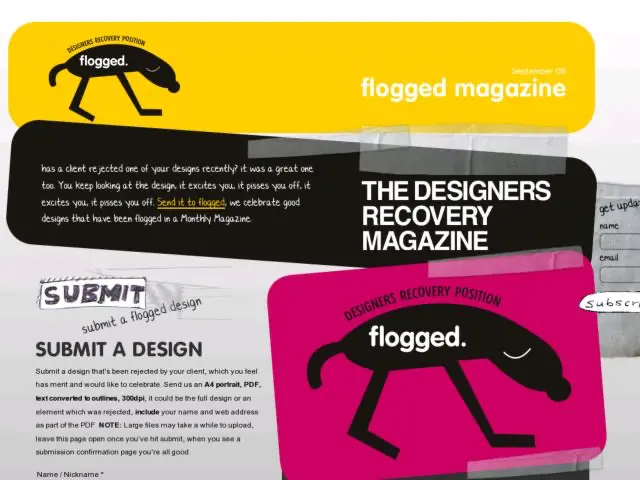
A magazine devoted to showcasing design projects that have been rejected by clients. Sounds excellent. Will be interesting to see what gets submitted and if people blur out details enough to make the client anonymous.
Ars Technica reports on the 3.1 Alpha of Firefox, which includes support for the HTML 5 Video element which provides some functionality to developers that is not possible with Flash. Video can be interspersed with other web content, playback can be manipulated with JavaScript, and video elements can be directly accessed through the document object model.
Bluish Coder demonstrates the Video tag in SVG to implement a Silverlight style demo in Firefox 3.1 alpha. The demo shows transparent layers of videos that can be dragged, moved, and resized.
http://arstechnica.com/news.ars/post/20080905-first-look-firefox-3-1-alpha-2-officially-released.html
I got my hands on the new soft cover Moleskine notebooks. The faux cover feels like a luxurious thin leather, and is soft, but sturdy.
http://www.moleskine.com/eng/_interni/catalogo/Cat_int/catalogo_notebooks.htm
3 recent articles show how to get interactive effects on menus, proving that you don't need Flash for this kind of simple interactivity.