stopdesign is back!
· Michael Angeles
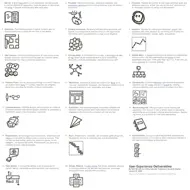
Peter Morville and Jeffrey Callender have been compiling a list of UX deliverables and have summarized 20 of them succintly on the Semantic Studios site.
This list describes twenty user experience deliverables with links to relevant resources and examples. Clearly, these artifacts of the process are not the whole story. We must also think about the relationship between goals, methods, and documents. And yet, for many of us, deliverables are the coin of the realm and merit special attention.
I've taken the 20 deliverables and put them into a single, full-sized poster-like image in PNG or PDF format if you want to view them that way. There's also a cute image that shows the deliverables as a Treasure Map. Go read the article for the full 9.
http://semanticstudios.com/publications/semantics/000228.php
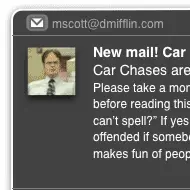
I posted on Twitter about how frustrating it can be to have to use email. With every day that I use Twitter via Twhirl I become less and less interested in using email. So I moaned to my Twitter peeps about the pain I feel. Some people wanted to know what I wanted, so I responded with the ideal flow, using Mac OS X's Growl alerting app as the starting point:
Growl alert. Click and a Quicksilver-like diaogue appears. Click. Reply. Done. Gmail archives. Optionally tag the thread.
Coincidentally, I've been designing a feature on the product I'm working on that does something like this. We have a plugin for our app, a CMS, that turns a project into a Twitter-like micromessaging application. It's only in release 0.1, but I've designed a few iterations ahead, which we plan to review.
The gist for me is this. At work we use Jabber to get alerts for new activity on our internal CMS. We use our Live Blog micromessaging project to do status updates, and other discussion in real time. We want something as easy as IM, as easy as Twitter.
So I've been doing all this stuff that makes the stream of messaging easy to respond to when I see something urgent that needs attention. And I begin to notice email differently, and think that it's a big speed bumps in the day when I have to look at it. There are some messages that come in that I wish I could just quickly reply to because they're urgent. But I hate having to load Gmail or Mail.app to stop what I'm doing.
Now, I know with added intrusions into your day, this could add to your already full, multi-tasking life. But I simply feel like I want and need it. I want email on my terms until it goes away. So I took some of the ideas I was working on in a project I'm doing and saw how those behaviors might apply to email. The wireframe you see above is part of that.
I've posted the files below so you can look at this single page storyboard if you're curious. If you're interested in taking a peek at how I wireframe, download the OmniGraffle document too and play with it.
Download the files
A lot of people won't agree that email should work this way. If you don't agree, feel free to tell me why email is fine just the way it is, or tell me that this is a good idea. If you know of an app that has all of these features and functionality, please tell me, because I need it. If you want to develop it, go ahead. I'd be happy to be involved because I want this.
UPDATE: Chris Messina reminded me about MailPlane, which I tried preview releases of last year. Turns out that when you click Mailplane Growl alerts, MailPlane will open a window with the message, and you can click reply to enter your reply, click send, and close the window. This comes close enough without being quite as subtle and effortless as what I've wireframed above, so this is the solution I'm going with for now.
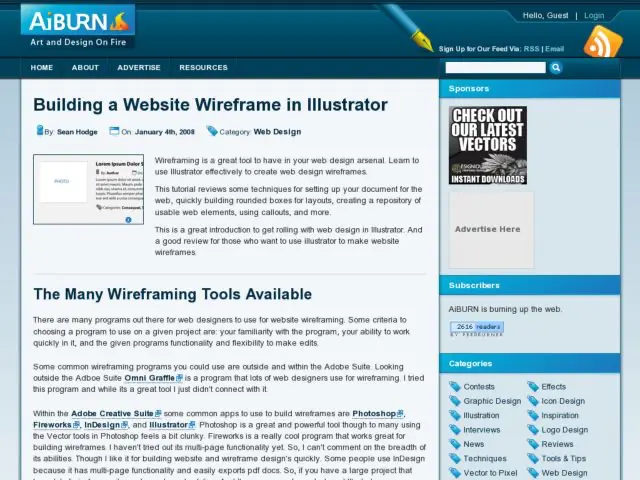
Sean Hodge at AiBURN provides some great tips for laying out wireframes in Adobe Illustrator.
http://aiburn.com/article/building_a_website_wireframe_in_illustrator
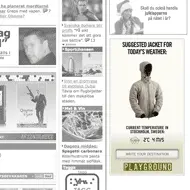
Swedish agency Akestam Holst has created a contextual banner ad for retailer Playground Stores that selects an appropriate jacket for you depending on the weather where in your location. The demo seems hard coded, but is kind of neat. Would be really weird if they could figure out my gender and favorite colors.
Via Creativity
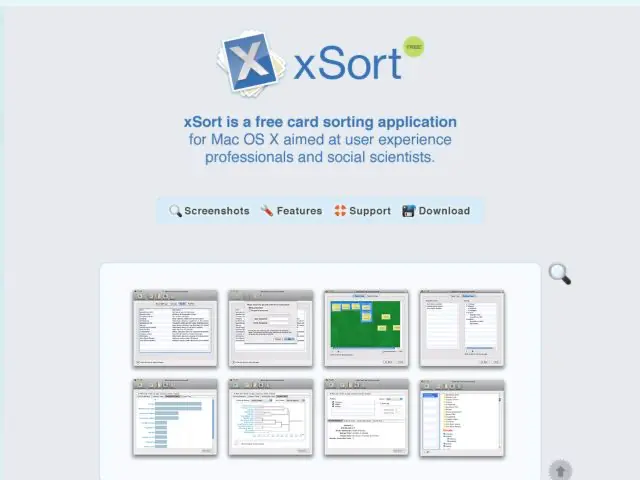
xSort is a card sorting application for researchers and information architects that want to get a better idea of their users' mental models for any given application or task. The software is free and works on Mac OS X.
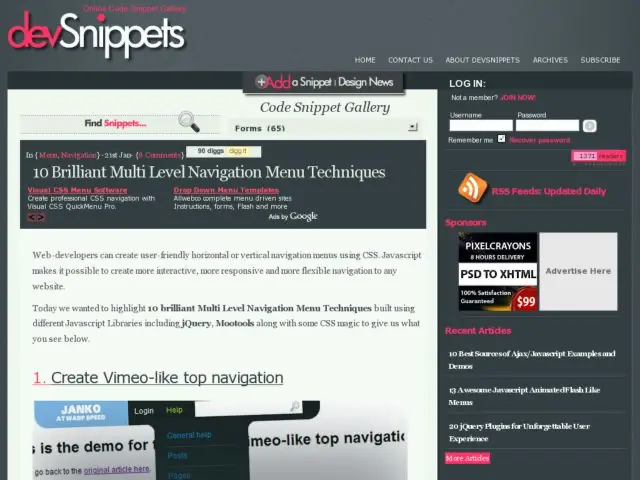
devSnippets collects 10 examples of multi-level navigation menus using Javascript libraries and CSS, and adds a little annotation about the methods and how they effects are accomplished.
Via @nourayehia
http://devsnippets.com/reviews/10-brilliant-multi-level-navigation-menu-techniques.html
Boagworld looks at 10 ways to design an effective call to action.
Having an effective call to action is an essential part of any website. A call to action is not just limited to ecommerce sites. Every website should have an objective it wants users to complete whether it is filling in a contact form, signup for a newsletter or volunteering their time.
A call to action provides...
Focus to your site
A way to measure your sites success
Direction to your users
See the full article on Boagworld.
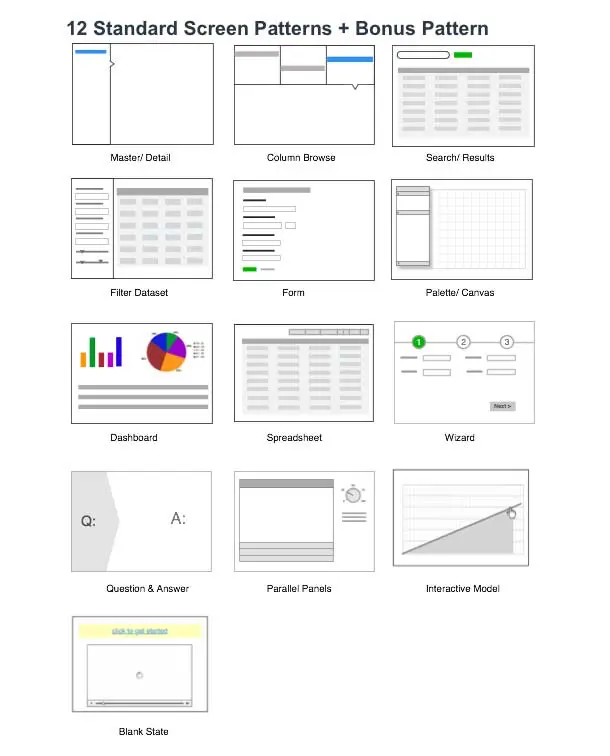
Bill Scott and Theresa Neil's new O’Reilly book, “Designing Web Interfaces: Principles and Patterns for Rich Interactions,” presents more than 75 design patterns for building web interfaces that provide rich interaction. They've shared the full set of principles and patterns they use for RIA design in this article.
http://designingwebinterfaces.com/designing-web-interfaces-12-screen-patterns
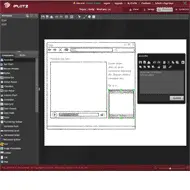
iPlotz is another new product offering web-based services for wireframing, mockup, and prototyping of websites and applications. This service allows users to create multiple projects, wireframe them with sketch-style editable components, generate images or PDFs of the wireframes, manage tasks associated with screens, and solicit comments from team members.