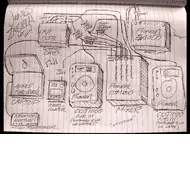
Sketch of CDJ Setup in djdownload.com Newsletter
· Michael Angeles
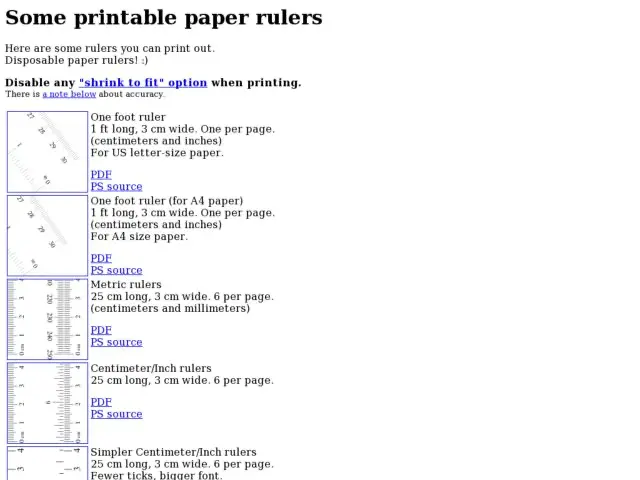
This is a pretty cool idea. A collection of rulers you can print.
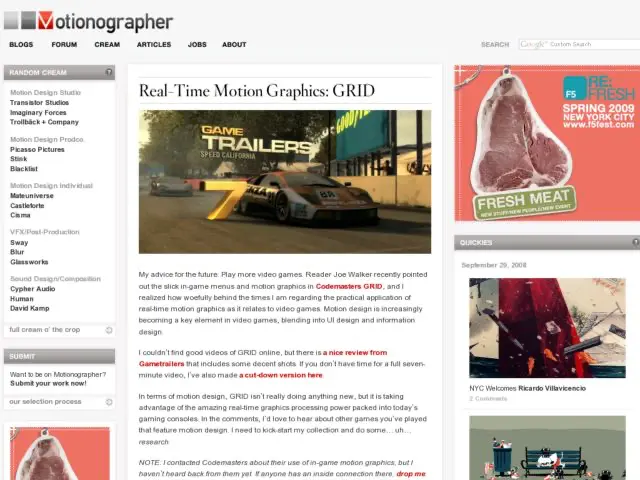
Motionographer has some cool video of the in-game menus and motion graphics in RACE DRIVER GRID video game from Codemasters.
http://motionographer.com/2008/06/30/real-time-motion-graphics-grid/
Lighthouse provides 10 basic guidelines for designing for people with partial sight.
"Impaired vision often makes reading difficult by: Reducing the amount of light that enters the eye, Blurring the retinal image, Damaging the central portion of the retina best suited to reading."
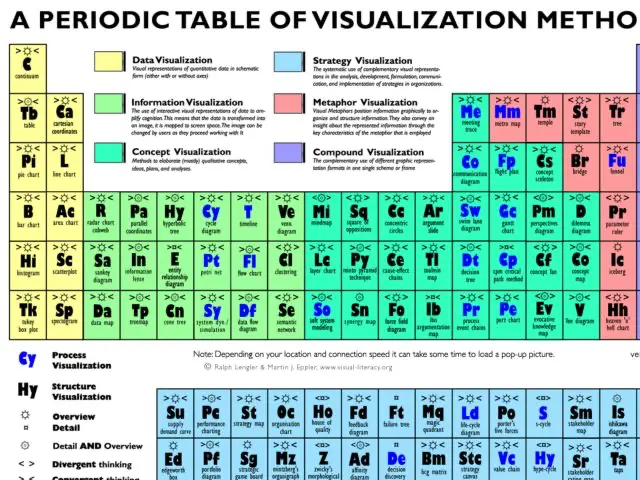
This is a neat table listing and categorizing visualization methods from the folks at Visual Literacy
http://www.visual-literacy.org/periodic_table/periodic_table.html
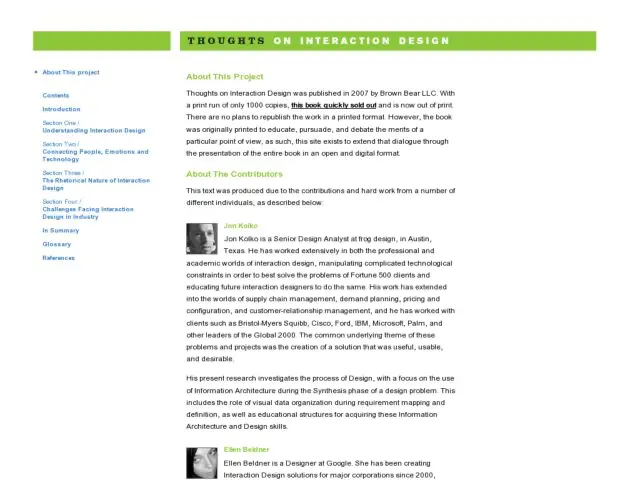
Just getting around to reading Jon Kolko's Thoughts on Interaction Design, which is available online now that the printed book is no longer available.
If you've come here for the free wireframe and storyboard graph paper, you might also be interested in these 4 great resources for free printable graphpaper with uses for craftmaking, math, science, and writing.
Adaptive Path release Janice Fraser and Scott Hirsch's research on the ties between business value and user experience. “Leveraging Business Value: How ROI Changes User Experience” originally cost $395, but is now being offered for free.
Download the report (412K PDF)
http://www.adaptivepath.com/blog/2008/09/22/is-your-organization-experienced/
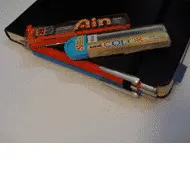
I'm a big fan of Pilot and Pentel mechanical pencils. At home I use the larger Pentels, but when I'm out, I carry around the small red Pilot Couleur above attached to my small Moleskine. Ideas often come when I'm away from the desk so I feel like I always have to have pencil and paper wherever I go.
The Pilots have a rubberized coating, hold 0.5mm leads, and hide an eraser under the push button. They stay snugly attached to the Moleskine strap and don't flop around. I also found that you can buy cyan leads at 0.5mm, so I recently acquired a second Pilot. As you can see, they both fit perfectly to the side of the notebook. Now I can sketch in gray or blue, and if I want to share, I can use a paper trimmer, tear out pages and scan. Love love love. These pencils are from Japan, so you can get them at places like Kinokuniya.
I thought the pics might interest some. I spent a little time trying different ways to attach a pen/pencil to my Moleskine, and have found that what I'm doing works very. The Moleskine above is a Reporter, so the strap goes across the short side rather than the long. This lets you clip your pencil perpendicular to the strap on the long side as shown above. Much better positioning than with the regular Moleskines.
There are a lot of other creative hacks out there to attach your pencil to your Moleskine if you don't like my method. Everyday Innovations, makers of the PicoPad sell a pen holder called the Book Sling that also seems well designed, although I haven't tried one yet.
Hope this gives someone some inspiration for their ultra mobile sketching rig. Happy sketching!

My son got his hands on the storyboard paper and started sketching a stop motion animation sequence in the cells. He just started his second session in a stop motion class. This is one of the things I used our printed graph paper for, but because that was printed in black/gray on our laser printer, I had a hard time knocking out the grid lines mixed in with his drawings. Now, since this is on the cyan grid, I can scan 6 cells on each page, cut/crop each box visually, then knock out the blues. Can't wait to try this out myself for something.
You can find the free printable storyboard graph papers in the tools section. Notepads are on sale here.