Portrait full
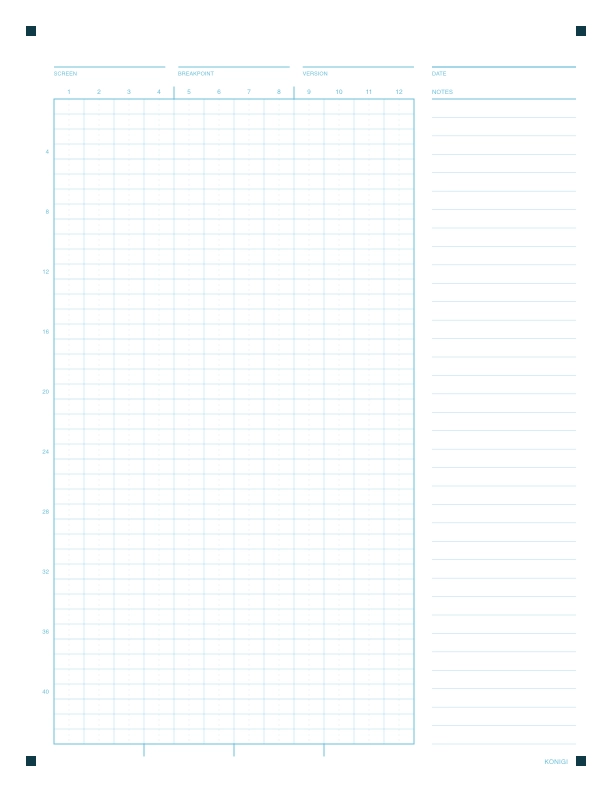
A narrower grid that runs the full depth of the page, with a notes column on the right. For long scrolling pages where the order of sections is the decision.
- Grid
- 12 columns × 44 rows
- Paper
- US Letter · 8.5 × 11 in
Three printable sketch grids, free. They're drawn on a 12-column grid with the column numbers along the top and registration marks in the corners, so a photo of your sketch stays readable when you drop it into Claude Code and ask for a prototype.
I've been posting graph paper on Konigi since 2008. Here's what changed in this version, and how I use it.
A narrower grid that runs the full depth of the page, with a notes column on the right. For long scrolling pages where the order of sections is the decision.
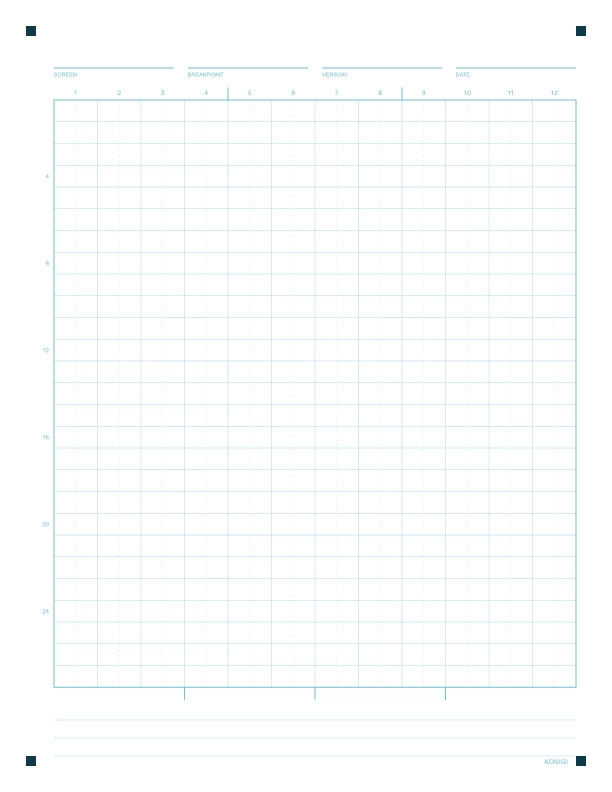
One screen on one page. The default sheet for a mobile or tablet layout, with three ruled lines at the bottom for a caption.
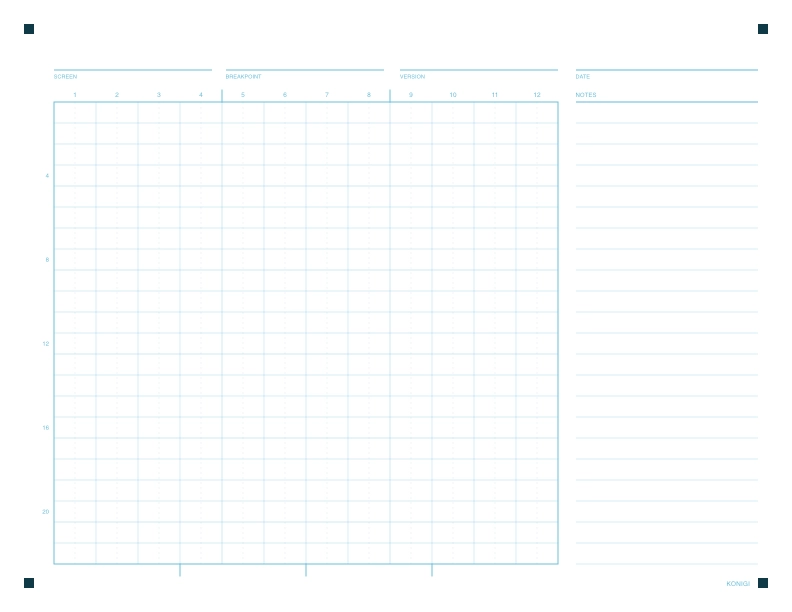
The desktop sheet, and the closest descendant of the original 2008 wireframe-with-notes page. Sketch on the left, annotate on the right.
Print at 100% with no scaling, borderless if your printer will do it. The grid is a pale cyan so your pen reads darker than the lines. Sketching with a pencil is not recommended. I prefer to use a gel pen like the Pilot Precise V7 Fine, Muji pens, and Microns 05-08.
These sheets are free to use and share, but please don't sell them. You may not remove the KONIGI attribution at the bottom.
Sketch a screen, photograph the page with your phone, and drop the image into Claude Code. Then ask it to build static HTML and CSS and nothing you didn't draw. The full walkthrough is here, with a video.