Blog

Shades of Gray: Wireframes as Thinking Device
· Michael Angeles

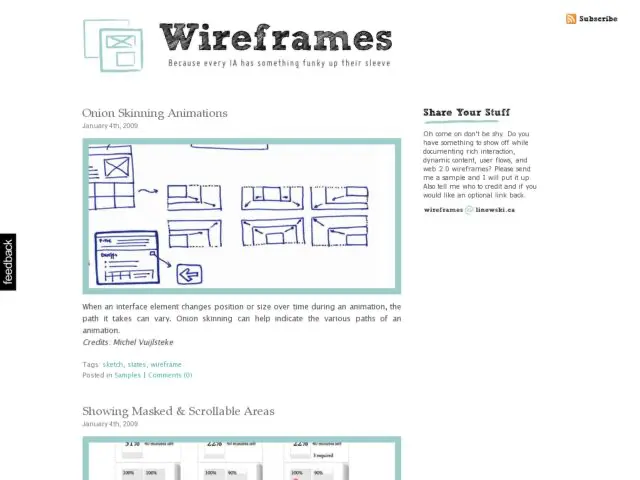
Will Evans discusses how he uses wireframes in his design process. The story is one you've probably heard before. It's a description of concept design, using wireframes as the tool for finding the right design. One could use sketching just as well.

He's talking about that path we take as designers to frame the problem for discussion, extrapolate solutions from that discussion, and generate possible solution concepts. He calls his process one of divergence, transformation, and covergence. This maps to a common cycle in design where there is a lot of front-loaded generation of ideas and further and further reduction of solutions as the process unfolds. There's a great diagram in Buxton's Sketching the User Experience on page 146 (based on Pugh's 1990 work, Total Design) which discusses the waves of expanding and contracting generation and reduction that happens as designers find focus. The right design emerges at the end of the process of ideation and selection.

It's interesting to read Evans' description of his thoughts during his design process, as it mirrors what Buxton and Pugh describe. We need to hear more detailed accounts like his, that fill in the picture for other practitioners, and hopefully impress upon some of us different ways for practicing our craft.

http://blog.semanticfoundry.com/2009/01/01/shades-of-gray-wireframes-as-thinking-device/
Mac Tip: Mounting a Server Automatically

· Michael Angeles

One of the things I've always found a chore, being a producer of graphic documents, is versioning and organizing the docs for a team. I've had to use different tools like Source Safe, Sharepoint, Basecamp, and just shared drives to this. One nice thing I like about working with our Traction server is that it does Webdav for document management and file versioning. That's one of the projects I'm working on a preview release of to make the web-based interface a bit more friendly.

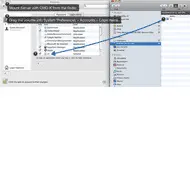
The thing with Webdav is that I can mount the shared folders in my Mac Finder and drag and drop tons of documents in there without going to the web site. But I don't want to have to manually connect to the shared folder. Luckily it's easy to have the Mac OS automatically connect to servers when you log in. Someone tweeted today wondering how you do that, so I posted a screenshot showing how I've set up my Mac. You can do the same thing with whatever share point or server you use.

Here's the steps:

  1. Make sure you're in the Finder. Connect to the server using menu Go > Connect to Server, or keyboard shortcut Command-K.
  2. With the volume mounted, open System Preferences > Accounts, and select your user account. Click the Login Items tab (you may need to click the lock icon in the lower left to edit login items).
  3. Now just drag the mounted volume from the Finder in to your System Preferences > Login Items list.

That's it. Now your Mac should automatically try to connect to your server volume whenever you log in, and it will show up in your Finder.

Raphael JavaScript Library for Vector Graphics

· Michael Angeles

Henrik pointed me to Raphaël, a nice JS library for generating interactive charts.

Raphaël is a small JavaScript library that should simplify your work with vector graphics on the web. In case you want to create your own specific chart or image crop-n-rotate widget, you can simply achieve it with this library.

Raphaël uses SVG and VML as a base for graphics creation. Because of that every created object is a DOM object so you can attach JavaScript event handlers or modify objects later. Raphaël’s goal is to provide an adapter that will make drawing cross-browser and easy.

Via tweet from Henrik Lied

http://raphaeljs.com/

typeface.js: Rendering text with Javascript, canvas, and VML

· Michael Angeles

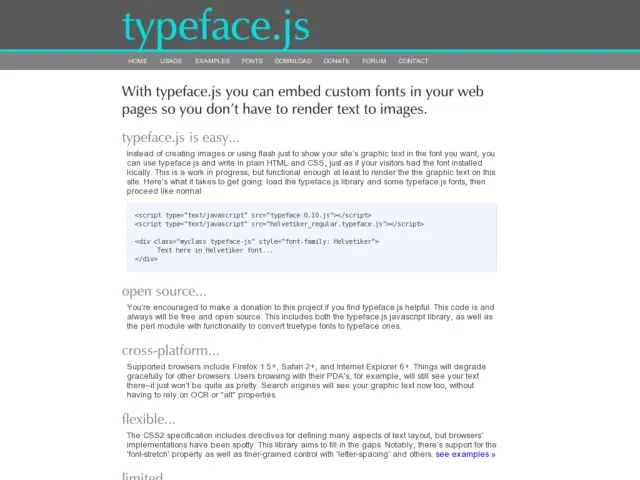
I just came across typeface.js, a type face replacement method like SIFR and FLIR, that lets you embed custom fonts in your pages using CSS. On the backend, javscript is used with or VML to draw the glyphs for your fonts.

Compared with SIFR, this suffers from some issues. Biggest one perhaps is that you can't select text since it's rendered as an image. Not so with SIFR. I wouldn't go using this method for body text, but if you're already considering doing image replacement for elements like headings, this would be a library to watch. There's bound to be accessibility improvements in the future using methods that put invisible text over the image, or something like that.

http://typeface.neocracy.org/

Konigi on Twitter and Facebook

· Michael Angeles

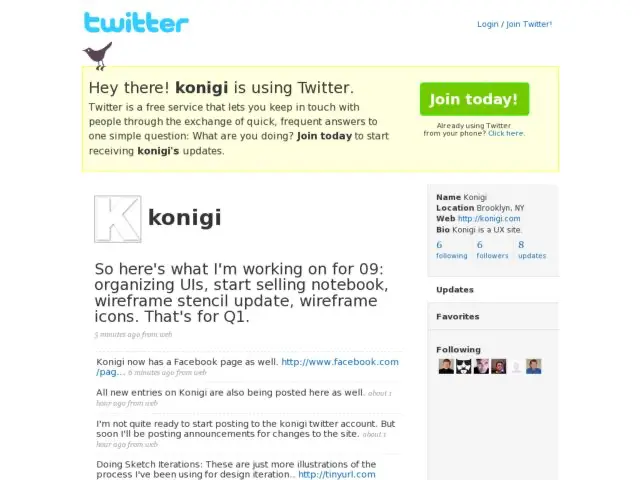
It seems it's time to start spilling out some of the meta-discussion in my head--the monologue I guess--about what I'm doing here on Konigi. So I started to post announcements and thoughts about what I'm working on with a Konigi Twitter account.

Basically, I feel like I want to separate Konigi-specific postings from my regular Twitter stream so I can update interested readers via that account, as well as post more work in progress commentary, observations, and announcements related strictly to Konigi. So if Twitter suits you more than RSS or Email, or if you're interested in my back-channel banter, you can get updates there.

There's also a product page for Konigi now on Facebook.

http://twitter.com/konigi

UX London

· Michael Angeles

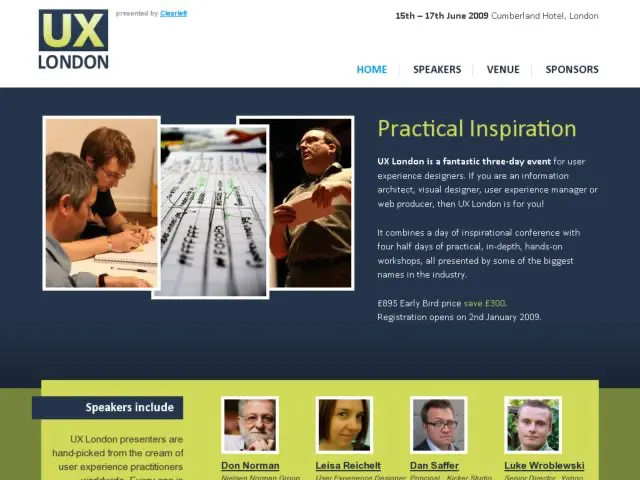
UX London is a three-day event for user experience designers that combines a day of inspirational conference with four half days of practical, in-depth, hands-on workshops, all presented by some of the biggest names in the industry. Speakers include Don Norman, Leisa Reichelt, Dan Saffer, Luke Wroblewski, Jared Spool, Jeff Veen, Eric Reiss, and Peter Merholz. If I were in Europe I'd definitely want to be there.

http://uxlondon.com/

Doing Sketch Iterations

· Michael Angeles

These are just more illustrations of the process I've been using for design iterations. When I have the Konigi notebook available, I'll be doing some screencasts to describe this process in detail, and why I felt the need to make these graph paper notebooks and pads.

What you see above:

1) Annotated UI Spec (Wireframes) after design review.

2) Sketches for design and new ideas, on the Konigi Design Notebook.

3) Refined sketches, inked and annotated on Konigi Wireframe Graph Paper.

4) The Pentax DSmobile 600 scanner I use to scan and post the sketches to our site for further discussion of design iterations and new ideas.

Input Masks in Forms

· Michael Angeles

Luke Wroblewski pointed to Josh Bush's Masked Input Plugin for JQuery. Luke writes that the plugin "integrate(s) formatting cues directly into an input field to help signal how to correctly answer a question. These formatting instructions are automatically included in an input and cannot be removed by a user. More importantly, a user cannot enter other non-valid characters into the input field. Check out the demo at Masked Input Plugin."

The video Luke posted to YouTube, and the demo on Bush's site, show how the input mask works. Great example of an elegantly conceived method for error prevention in forms.

http://www.lukew.com/ff/entry.asp?756

Why Fail Safe When You Can Poka-yoke?

· Michael Angeles

Poka-Yoke is a Japanese word for "fail-safing" that I just came across and suspect might be entering my UI vocabulary soon. The entry from Wikipedia:

Poka-yoke (IPA: [poka joke]) is a Japanese term that means "fail-safing", "Foolproof" or "mistake-proofing" — avoiding (yokeru) inadvertent errors (poka)) is a behavior-shaping constraint, or a method of preventing errors by putting limits on how an operation can be performed in order to force the correct completion of the operation. The concept was formalised, and the term adopted, by Shigeo Shingo as part of the Toyota Production System. Originally described as Baka-yoke, but as this means "fool-proofing" (or "idiot proofing") the name was changed to the milder Poka-yoke.

An example includes 3.5" floppy disk. The top-right corner is shaped in a certain way so that the disk cannot be inserted upside-down. In the manufacturing world an example might be that the jig for holding pieces for processing only allows pieces to be held in one orientation, or has switches on the jig to detect whether a hole has been previously cut or not, or it might count the number of spot welds created to ensure that, say, four have been executed by the operator.

http://en.wikipedia.org/wiki/Poka-yoke