Blog

The History & Evolution of User Experience Design

· Michael Angeles

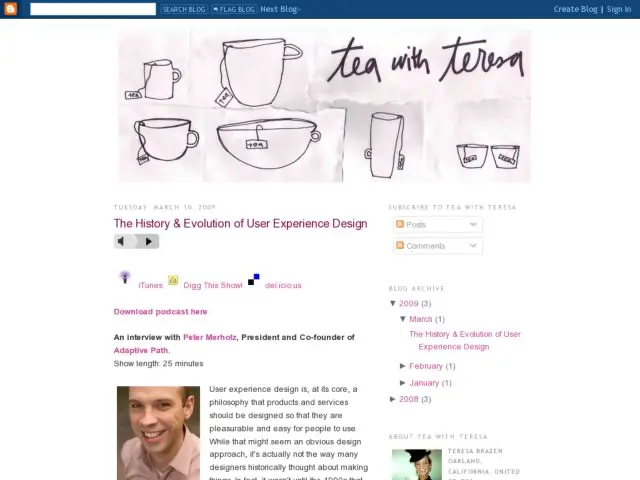
On the Tea with Teresa podcast, Teresa Brazen interviews Adaptive Path's Peter Merholz to talk about the history and evolution of User Experience Design.

User experience design is, at its core, a philosophy that products and services should be designed so that they are pleasurable and easy for people to use. While that might seem an obvious design approach, it's actually not the way many designers historically thought about making things. In fact, it wasn't until the 1990s that an industry came together around this particular approach to design.

I did some research to try uncover the history of this field, and, I didn't find a lot - partly because it hasn’t been around for long. So, I had tea with Peter Merholz, who has been involved in the industry since its very early stages. We had a great conversation about what it was like when the industry started to come together and where he thinks it's headed.

Listen to the podcast at Tea with Theresa.

Via @jeepu

http://www.teawithteresa.com/2009/03/history-evolution-of-user-experience.html

Communicating Concepts

· Michael Angeles

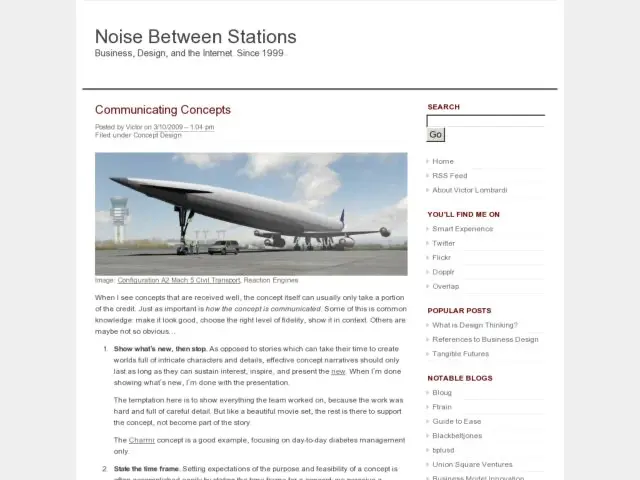
Victor writes about some of the less obvious points when it comes to presenting and communicating concept designs.

When I see concepts that are received well, the concept itself can usually only take a portion of the credit. Just as important is how the concept is communicated. Some of this is common knowledge: make it look good, choose the right level of fidelity, show it in context. Others are maybe not so obvious…

Head to Noise Between Stations for the low down, because your job doesn't stop when you've shipped the doc.

http://noisebetweenstations.com/personal/weblogs/?p=2428

Complete Beginner's Guide to Information Architecture

· Michael Angeles

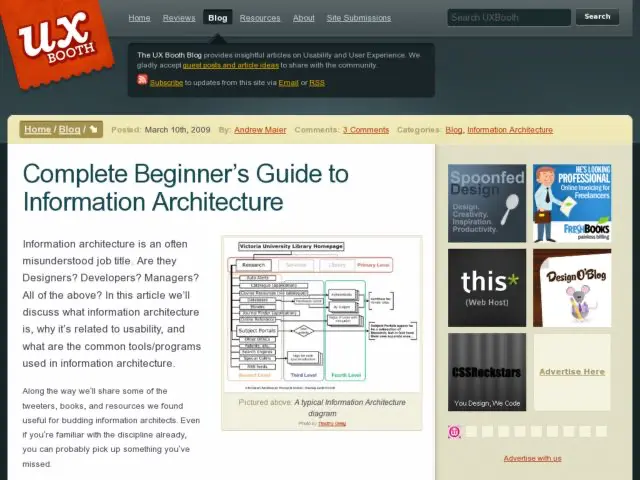
For those new to Information Architecture and the role of the IA, UX Booth has written an introduction to the field and role, by taking a look at how some noteworthy IAs have defined the discipline, and looking at some of the work that is typical of our craft.

It can be confusing to understand the role of the IA, because in many cases, IA encompasses more than what is defined in this primer. Depending on where you work, especially if you work in smaller teams, the IA role has a tendency to overlap other disciplines and do research, user testing, and interaction design. But UX Booth has provided a somewhat purist definition of the theoretical role which is very helpful. JJ Garret's Elements of the UX provides a good description of where IA fits into the bigger picture and Rosenfeld/Morville's Information Architecture for the WWW or Christina Wodtke's Information Architecture are excellent places to get to know the nitty gritty of IA work.

http://www.uxbooth.com/blog/complete-beginners-guide-to-information-architecture/

Konigi Wants to Grow

· Michael Angeles

I'm going to be tearing things up a little while Konigi gets a clue about what it is. I started playing with this blog in Nov 07 as a more organized way of doing my visual design and user interface design sets on Flickr, and think it's still going well. But over time I've found myself drawn to re-blogging and writing the occasional essay, reminding me of my first try at blogging when I did iaslash. And then the old sketchbooks full of ideas that came out of all those great conversations with IAI peeps in Monterrey and my iaslash readers kept returning, and I found myself wanting to find time to work on some micro-projects to build IA/IXD tools.

It's been a little over a year since I started announced Konigi, and it feels like time to take this site a bit more seriously and use it as a platform for other kinds of the learning, sharing, and collection of resources that I've wanted to do for some time. Konigi wants to be better and do more with its life. So I'm going to start with a few little design tweaks and evolve the site organically as time becomes available to help this baby along.

So what's coming? I have a series of instructional essays that I've outlined and have started writing. I have a wonderful new community project planned that that will be possible through Peldi Guilizzoni, the gracious and talented creator of Balsamiq. And I'm going to play at opening up the site a little more until stuff gets broken. The Modus Operandi will be to just do stuff rather than doing so much thinking and talking, to do it wrong, to fail, to have people mock me, and be left standing at the end. As always, I plan to give away some stuff, charge a little for other stuff, and push a few smallish projects forward with the help of friends to fill gaps where we need educational/learning resources.

Finally, I personally want to do more and contribute more outside of this community, and I'm hoping to find a way to give away more to people in need. The sale of things on this site has really taken me by surprise and now I want to do something better and more meaningful if I'm in a position to do so. I'm still not sure what I'm going to do, but when the idea begins to take shape I'll let you know what that's all about.

So onward. Grow up little, Konigi. Make something of yourself.
Photoshop and Illustrator Grid Templates

· Michael Angeles

I moved the Photoshop and Illustrator templates for the Blueprint Grid System over from my personal blog at urlgreyhot to Konigi's Tools section. So now you can make the most of the system I use here and go from sketch to wireframe, to visual design comp.

The complete tool kit now includes:

//konigi.com/tools/overview

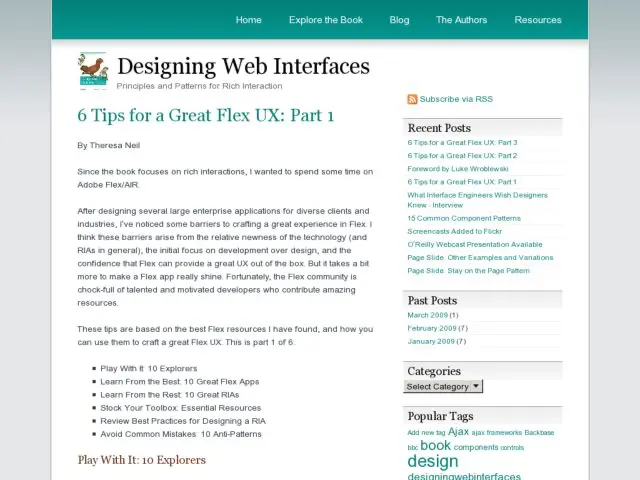
6 Tips for a Great Flex UX

· Michael Angeles

Theresa Neil is writing a 6 part series of articles on designing great Adobe Flex/Air user experiences. The first 3 parts are up now.

After designing several large enterprise applications for diverse clients and industries, I’ve noticed some barriers to crafting a great experience in Flex. I think these barriers arise from the relative newness of the technology (and RIAs in general), the initial focus on development over design, and the confidence that Flex can provide a great UX out of the box. But it takes a bit more to make a Flex app really shine. Fortunately, the Flex community is chock-full of talented and motivated developers who contribute amazing resources.

http://designingwebinterfaces.com/great-flex-ux

Schedule and Cost Summary Calculator Template

· Michael Angeles

So it's my birthday today. One thing that I've learned about birthdays from having a child, is that it's a lot of fun to give gifts away on your birthday. I'm now a seasoned goodie bag shopper and can tell you some interesting places to go in Manhattan and Brooklyn to find unusual gifts for boys age 8-10. But since I can't give all of you rare swag from Tokyo Toy, I thought I'd offer up a template that freelancers might find useful.

I've posted a Cost Estimate and Scheduling Calculator spreadsheet to the Tools. The document provides a lightweight method for learning to estimate time to complete a web design project, and calculating cost for completion. The intended audience is individual freelancers or contractors. This may not be an ideal format for the calculation of project team estimates.

Screenshot of the template waiting for values to be entered.

The purpose of the document is to teach you to get acquainted with spreadsheets as tools for cost estimation, with the hopes that you will learn to use and modify it to suit your needs. Please note that this is only meant to be learning a tool and must be customized to be useful to you. This is NOT meant to be an out of the box solution.

I hope this is useful to someone out there. I know there are other tools to do this sort of thing, but it never hurts to see examples of how others' get things like this done.

And no, I don't freelance anymore. I just hated to see this go to waste.

//konigi.com/tools/schedule-and-cost-summary-calculator